Indie game developer 🇨🇦

Working on some games for game jams in my free time

Admin of programming.dev and frontend developer for sublinks

Account has automation for some scheduled posts

Site: https://ategon.dev/

  • 15 posts
  • 0 comments
Joined 3 years ago
Cake day: June 8th, 2023

This event some creatures known as bleans visited to hang around the canvas! You can find them in various spots having fun if you look around.

This post is a gallery of all of the different ones that exist!

One Blean decided to take a little nap on top of the !newzealand@lemmy.nz logo

Another decided to cool off with some swimming over by Korone!

A couple went to go check out the programming.dev design. One fell asleep and seems to be getting eyed by a shark

These three Bleans are hanging out in the waterfalls going down the side of the duck! Ones doing some swimming while the other two cool off with water from the falls

Two Bleans had a nap together on top of Cyn while another is over on top of Trickshotterz guy

Five Bleans are hanging out over by the Toast logo! One pair decided to make a stack on top of it while another one found a good spot for a nap over in the corner

A few Bleans are hanging out in a huddle by the d2jam logo!

And a final Blean is resting in some shade over at the top of the water path below a tree

Bleans are a creature created by Rincs! You can find more of their stuff at https://rincs.art/ (the small ones are called cheets while the bigger ones are blorbs)

Been working on a larger change for awhile and its pretty much done now! In the previous events there was a script to have pings for where pixels were placed and then I adapted that so that it existed in the actual codebase so more people could use it (global pixel pings). Some of the feedback people gave from that was that it added a lot more activity to the canvas to make it seem more alive.

Cursors!

When thinking of other ways to make the canvas seem alive I got the idea to do something similar to cursors.io (which was shut down now but was a multiplayer team work game) or cursor camp (https://neal.fun/cursor-camp/) where you can see the cursors of other users on the canvas as they go around and place things.

This feature can be disabled (and then you dont send or receive cursor events) and is disabled on mobile as phones dont have cursors.

When you select a color your cursor is colored that color and you show up that way to any other users on the canvas. Cursors for people that are zoomed more out from you are a bit larger (and fade out when theyre overly big so they dont block things) and ones from people that are more zoomed in are smaller than you.

Reactions

As a little communication method between cursors you can send one of 10 different reactions using the number keys. These are various emotes I commissioned from Rincs (who is a great artist, highly recommend looking at their stuff https://vgen.co/Rincs)

Hope you enjoy! This is a feature that I don’t think exists in any canvas type website currently but I think is going to be great to make it feel a lot more alive

Todays day three of making and sharing new changes I’m making to the codebase. The change made today allows the ability to select a second color! For people who have used certain apps like aseprite you will recognise this functionality.

In the palette bar if you left click on a color you can then paint it using left click (which is how it was before). Now however if you right click on a color you can paint it using right click in addition to having something set on left click.

This means if you are working on an area that has two colors you can select one of the colors with your left click and the other with your right click and then paint it without needing to swap back and forth between the colors.

You can also hit the x button to swap the colors in your left and right clicks (changing the one in left click to be in right click and vice versa) which can be useful if you want to paint with left click mostly but still want to store another color for easy access

Continuing with posts on new features I’ve been adding in I just had another set of changes merged to be used in the event! (and they’re active right now on the site! You can go in and check them out as well as the snapshot changes I talked about in my last post)

This set includes many new UI features as well as an overall UI overhaul. Previously the site was pretty much just using base HeroUI components that were slapped together quickly to get something functioning. Now everything is styled together and should match to each other well.

UI Visual Improvements!

The main part of the change is the change to make the ui look better. I went through and made all the components have a consistent style (with a white or black background depending on theme and an outline thats a bit different than the base color)

Better Color Picking!

You can now hit a physical button in the palette bar to color pick or you can hit c to enter color picking mode. Middle click will still work and pick the color you click but entering color picking mode using the button or c enters a brand new mode there you can preview the color youre about to pick and have special UI.

You cant see my cursor in the screenshot but in this I have it over the dark blue and you can see theres a little color preview that shows up saying the name of the color and the hex code.

If I then click it copies it as the current active color and has a little color picked text.

Symbols in the Palette Bar!

Theres a new setting that lets you show symbols in the palette bar that match up to the symbols in the symbols template style. This can help you know what matches up to what easier or if you just think it looks cool.

It will automatically be enabled when you swap the template to symbols mode (and the numbers will automatically be shown when you swap to numbers mode)

Color Tooltips!

When you hover over a color in the palette bar it will now give you the name of the color in a little tooltip to make discussion about the different colors easier since everyone can have consistent names for each of them.

Collapsible stats card!

You can now collapse the bottom left card that shows coordinates, pixels, and users online. Collapsing sets it to a mode where it only shows the pixels available to place if you want to save on some screen space.

Overlays Card!

Instead of needing to go into the settings to swap between overlays being on or not, theres a new overlays card that lets you toggle them on or off easily. To toggle them you can expand the card and then click on one of the overlays to enable it.

Hold to check pixel data

Instead of needing to shift click to open up whois data you can now instead just hold down on the pixel which will fill up a meter for a second and then once its full a question mark will appear. If you let go the whois panel will appear where you can check information on that pixel.

Moving Buttons when you open a Sidebar!

When you open a sidebar now (for example settings or info) the buttons will now move to the side with it so that you can still use them while the sidebar is open

I made it extremely smooth of a transition so enjoy playing around with that : )

Sticky Sidebar Headers

When you scroll in a sidebar the sidebar title and the close button now stay always at the top so that they are easily accessible.

Compact Palette!

You can now set the palette to be in a compact mode where colors go over two lines instead of 1. It automatically swaps to this by default when you open a sidebar and then back to normal when you close it but you can also set it so it doesnt swap to it or so that its always active.

Small Screen Handling

Instead of the mobile UI being extremely scuffed theres now handling to move the UI around so its usable! On smaller pc type screens and on mobile some buttons move into a “more” button according to how big the screen is so that it never collides with the ui on the left side

Palette bar manipulation based on the template!

Added the ability to show how many of each color you need remaining for the template you have set. e.g. with the below image the template needs 26 more black pixels and various other colors to be complete)

Allows you to set it so that the palette bar only shows colors in the palette that exist in the template and still need to be placed as well so make it easier to know which color to choose to fill it in.

Icon and Favicon

Added the official canvas icon to the top left and made it the favicon of the site instead of the site not having one! (more favicon updates coming soon to show things like pixel counts in it :) )

Various Other Changes!

Removed the black overlay that appeared when a sidebar was open so its easier to have a sidebar open and place on the canvas at the same time.

Added little text when you place a pixel

Added icons in various spots and to various buttons such as in the bottom left card

Prevented settings and whois from being open simultaneously because they are both right sidebars (opening one closes the other)

Various new settings added to do things like disable keybindings, etc.

Hope you enjoy the new features! More coming soon as I work through them and theres some large ones I’m looking forward to
I’ve been working on some new features for canvas in the lead up to it starting so figured I would share some of the new stuff I’ve been working on and that will be available when the event starts.

If anyone wants to also help contribute changes the project is open source and I would love to help out with getting anyone else set up with the codebase to help grant and I clear out the tickets that are on the gitlab.

A change I made and that was just accepted is the ability to create snapshots of parts of the canvas! This is essentially just an easy way to create screenshots of areas to then share instead of needing to use other screenshot tools. Its useful as you can easily take screenshots of parts even if you aren’t looking at them (for example doing a full canvas screenshot) and you get full pixel precision instead of the scaling being weird.

Capture Canvas

This was a feature that existed in the previous iteration of the event but I noticed not many people knew about due to it just having a keybind (The P key). So I took the opportunity with adding the rest of the snapshot types to add a physical button thats easily findable for it as well.

This downloads a picture of the current canvas so that you can share it or use it for anything you might need the full canvas for (for example putting it into aseprite and then planning out a design for some new art over it.

Capture Template Area

This is similar to capture canvas but instead of capturing the entire canvas it captures only the area your template is within. It takes a picture of the smallest rectangle that contains the template plus 2 pixels of padding to make it look a bit nicer. This is useful if you want to share with the group that’s placing down the template how progress is going easily without needing to pan and scroll to get a good angle and then screenshot manually. Can be activated using shift+P or the ui button.

Capture View

Similar to the above two but captures the area you’re currently looking at (all visible canvas pixels on your screen). For when you want to show off a cool thing on the canvas you found. Can be activated using the L key or the ui button.

Capture Region

Lets you select a rectangle area and then takes a picture of that area. For similar use cases as capture view but if you want to share a more precise area rather than the entire area you can currently view. Can be activated using shift+L or the ui button.

Polaroids

Whenever you take a snapshot (using one of the four methods above) it shows a preview of what you just took as a little polaroid visual in the center of your screen before downloading it. I mostly just added this cause it looks nice but can be useful to know that you took a picture of the right thing without needing to open the file.

If anyone has any other feature suggestions feel free to let me know somehow and I can make an issue for it on the projects gitlab repo if there isn’t one already. I have some other cool stuff in progress that hopefully should be done before the event starts

I was curious on how the results looked with a standard eurovision style point distribution (where each instance gives points) instead of just average rank when looking at all the votes and figured others would be as well.

Due to certain groups having a lot more votes cast than others it tends to change the results a bit so that each group is evenly represented (instead of ones with more people having more votes to affect the average rankings. e.g. Germany has over a quarter of all of the votes cast)

In first we get Merz Leck Eier with a total of 84 points! It received 12 points from 3 different groups (Anime & Vocaloid, Programming.Dev, and UK)

Rounding out the top 3 is Limbo with 74 points and Fabienk with 66 points.

Heres the full point distribution

Entry Points
Vita - Merz Leck Eier 84
Igorrr - Limbo 74
Angine de Poitrine - Fabienk 66
Jamie Paige - Birdbrain (w/ OK Glass) feat. Kasane Teto 60
Boy Golden - Suffer 56
Hyphen - This Might Be It 52
Mudrat - Bars 43
HAYASii - Hunting Soul 40
Elisapie - Uummati Attanarsimat (Heart of Glass) [Hologramme Remix] 38
Signes à L’Œil - Quand on arrive en ville (D. Balavoine N. Workman) 31
Ecca Vandal - Bleach 25
Swerve Strickland - Hit Different 17
Cris03sora - Markhamia Castle 15
Individual Instance Votes

A non participating instance / community

Entry Points
Angine de Poitrine - Fabienk 12
Igorrr - Limbo 10
Hyphen - This Might Be It 8
Elisapie - Uummati Attanarsimat (Heart of Glass) [Hologramme Remix] 7
Vita - Merz Leck Eier 7
Jamie Paige - Birdbrain (w/ OK Glass) feat. Kasane Teto 5
Boy Golden - Suffer 4
Cris03sora - Markhamia Castle 3
Mudrat - Bars 2
HAYASii - Hunting Soul 1

Anime & Vocaloid (ani.social)

Entry Points
Vita - Merz Leck Eier 12
Igorrr - Limbo 10
Mudrat - Bars 8
Signes à L’Œil - Quand on arrive en ville (D. Balavoine N. Workman) 7
Cris03sora - Markhamia Castle 6
Ecca Vandal - Bleach 6
Boy Golden - Suffer 4
Elisapie - Uummati Attanarsimat (Heart of Glass) [Hologramme Remix] 4
Angine de Poitrine - Fabienk 2
Hyphen - This Might Be It 1

Australia (aussie.zone)

Entry Points
Jamie Paige - Birdbrain (w/ OK Glass) feat. Kasane Teto 12
Igorrr - Limbo 10
Boy Golden - Suffer 8
Mudrat - Bars 7
Hyphen - This Might Be It 6
Angine de Poitrine - Fabienk 5
Vita - Merz Leck Eier 5
Swerve Strickland - Hit Different 3
Signes à L’Œil - Quand on arrive en ville (D. Balavoine N. Workman) 2
HAYASii - Hunting Soul 1

Canada (lemmy.ca)

Entry Points
Igorrr - Limbo 12
Vita - Merz Leck Eier 10
Hyphen - This Might Be It 8
Mudrat - Bars 7
Signes à L’Œil - Quand on arrive en ville (D. Balavoine N. Workman) 7
HAYASii - Hunting Soul 5
Jamie Paige - Birdbrain (w/ OK Glass) feat. Kasane Teto 5
Cris03sora - Markhamia Castle 3
Swerve Strickland - Hit Different 2
Ecca Vandal - Bleach 1

France & French Sign Language (jlai.lu)

Entry Points
Angine de Poitrine - Fabienk 12
Ecca Vandal - Bleach 10
Vita - Merz Leck Eier 8
Elisapie - Uummati Attanarsimat (Heart of Glass) [Hologramme Remix] 7
Jamie Paige - Birdbrain (w/ OK Glass) feat. Kasane Teto 6
Swerve Strickland - Hit Different 6
Boy Golden - Suffer 4
HAYASii - Hunting Soul 3
Mudrat - Bars 2
Hyphen - This Might Be It 1

Germany (feddit.org)

Entry Points
Igorrr - Limbo 12
Boy Golden - Suffer 10
Angine de Poitrine - Fabienk 8
HAYASii - Hunting Soul 8
Hyphen - This Might Be It 6
Jamie Paige - Birdbrain (w/ OK Glass) feat. Kasane Teto 5
Mudrat - Bars 5
Ecca Vandal - Bleach 3
Elisapie - Uummati Attanarsimat (Heart of Glass) [Hologramme Remix] 2
Cris03sora - Markhamia Castle 1

Programming.dev

Entry Points
Vita - Merz Leck Eier 12
Igorrr - Limbo 10
Boy Golden - Suffer 8
Jamie Paige - Birdbrain (w/ OK Glass) feat. Kasane Teto 7
Angine de Poitrine - Fabienk 6
HAYASii - Hunting Soul 5
Swerve Strickland - Hit Different 4
Elisapie - Uummati Attanarsimat (Heart of Glass) [Hologramme Remix] 3
Signes à L’Œil - Quand on arrive en ville (D. Balavoine N. Workman) 2
Mudrat - Bars 1

Quokk.au

Entry Points
HAYASii - Hunting Soul 12
Hyphen - This Might Be It 10
Boy Golden - Suffer 8
Vita - Merz Leck Eier 8
Angine de Poitrine - Fabienk 6
Jamie Paige - Birdbrain (w/ OK Glass) feat. Kasane Teto 6
Signes à L’Œil - Quand on arrive en ville (D. Balavoine N. Workman) 6
Ecca Vandal - Bleach 3
Swerve Strickland - Hit Different 2
Cris03sora - Markhamia Castle 1

Squared Circle (lemmy.zip/c/squaredcircle)

Entry Points
Hyphen - This Might Be It 12
Angine de Poitrine - Fabienk 10
Vita - Merz Leck Eier 10
Mudrat - Bars 7
Igorrr - Limbo 6
Elisapie - Uummati Attanarsimat (Heart of Glass) [Hologramme Remix] 5
Jamie Paige - Birdbrain (w/ OK Glass) feat. Kasane Teto 4
Boy Golden - Suffer 3
HAYASii - Hunting Soul 3
Cris03sora - Markhamia Castle 1
Signes à L’Œil - Quand on arrive en ville (D. Balavoine N. Workman) 1

UK (feddit.uk)

Entry Points
Vita - Merz Leck Eier 12
Elisapie - Uummati Attanarsimat (Heart of Glass) [Hologramme Remix] 10
Jamie Paige - Birdbrain (w/ OK Glass) feat. Kasane Teto 10
Boy Golden - Suffer 7
Signes à L’Œil - Quand on arrive en ville (D. Balavoine N. Workman) 6
Angine de Poitrine - Fabienk 5
Igorrr - Limbo 4
Mudrat - Bars 4
Ecca Vandal - Bleach 2
HAYASii - Hunting Soul 2

Went through and collected the current submissions I could find into one area (instead of needing to search through this community for them).

There’s a couple where I don’t know the category and I know there’s at least 4 other submissions that will be arriving so I will be updating the collection as I get them (which I believe they should all be arriving today).

(If you have any suggestions for the ui of the collections, etc. or new feature ideas for it let me know since I’m the one thats been working on the feature for the site. I have no youtube playlist, etc. this time since not all songs are on youtube)

Link again in case your frontend doesn’t get the first one

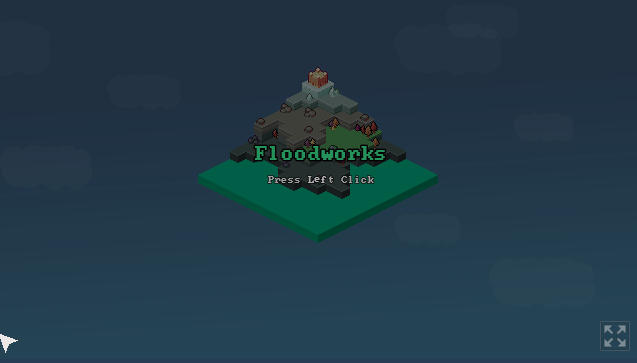
Hey everyone! Recently made yet another jam game with this one being made for the 12th brackeys jam

Theme of the jam was Calm before the Storm so instantly thought of a system similar to Frostpunk where you have a city and then conditions end up getting worse as time goes on. This was then adapted to be a city that is getting more flooded over time after brainstorming with my jam team.
If youve got any feedback feel free to throw it below or on the game page. I should be eventually pushing out a post jam update based on the feedback gotten

Game link: https://team-auboreal.itch.io/floodworks

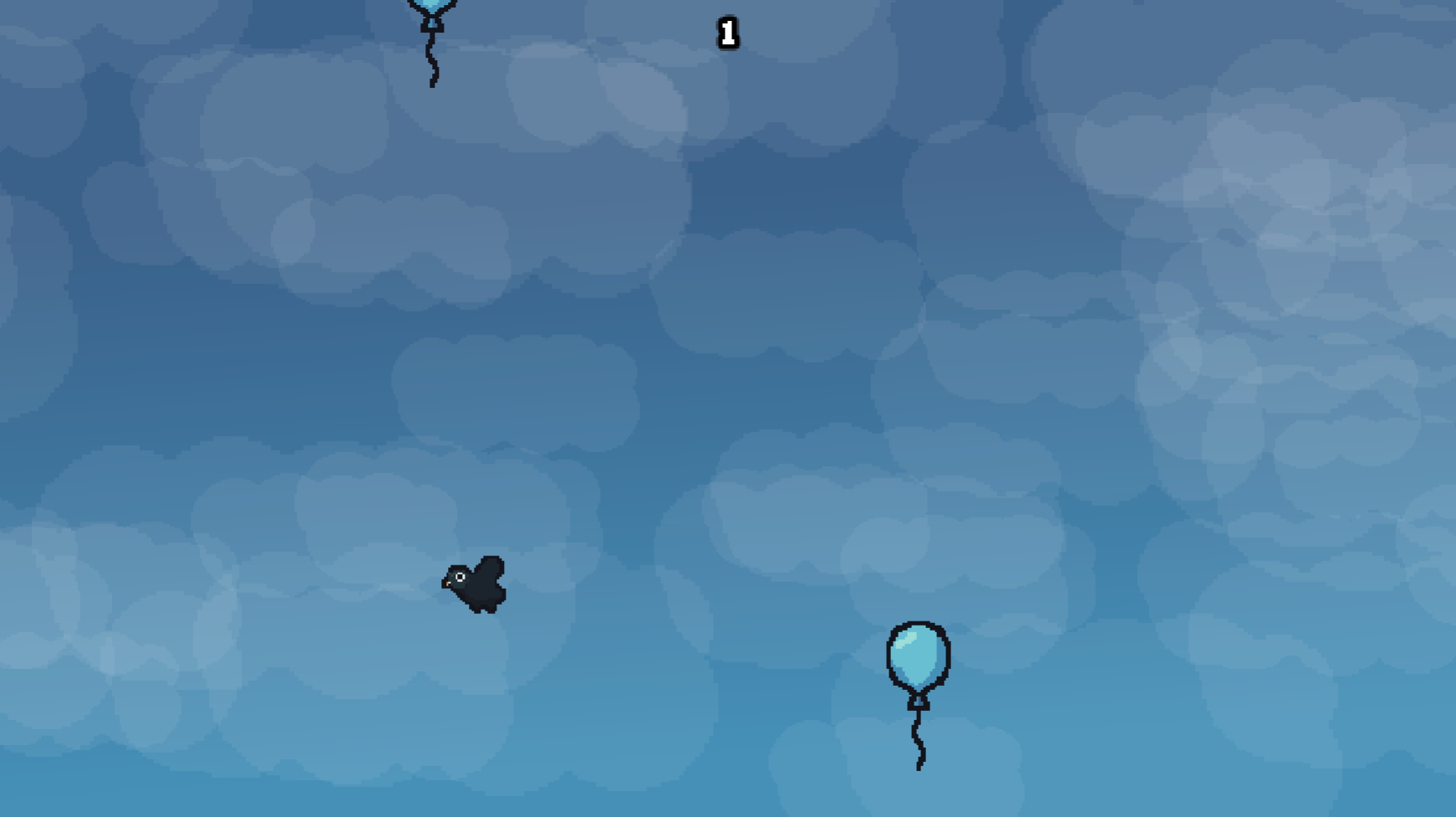
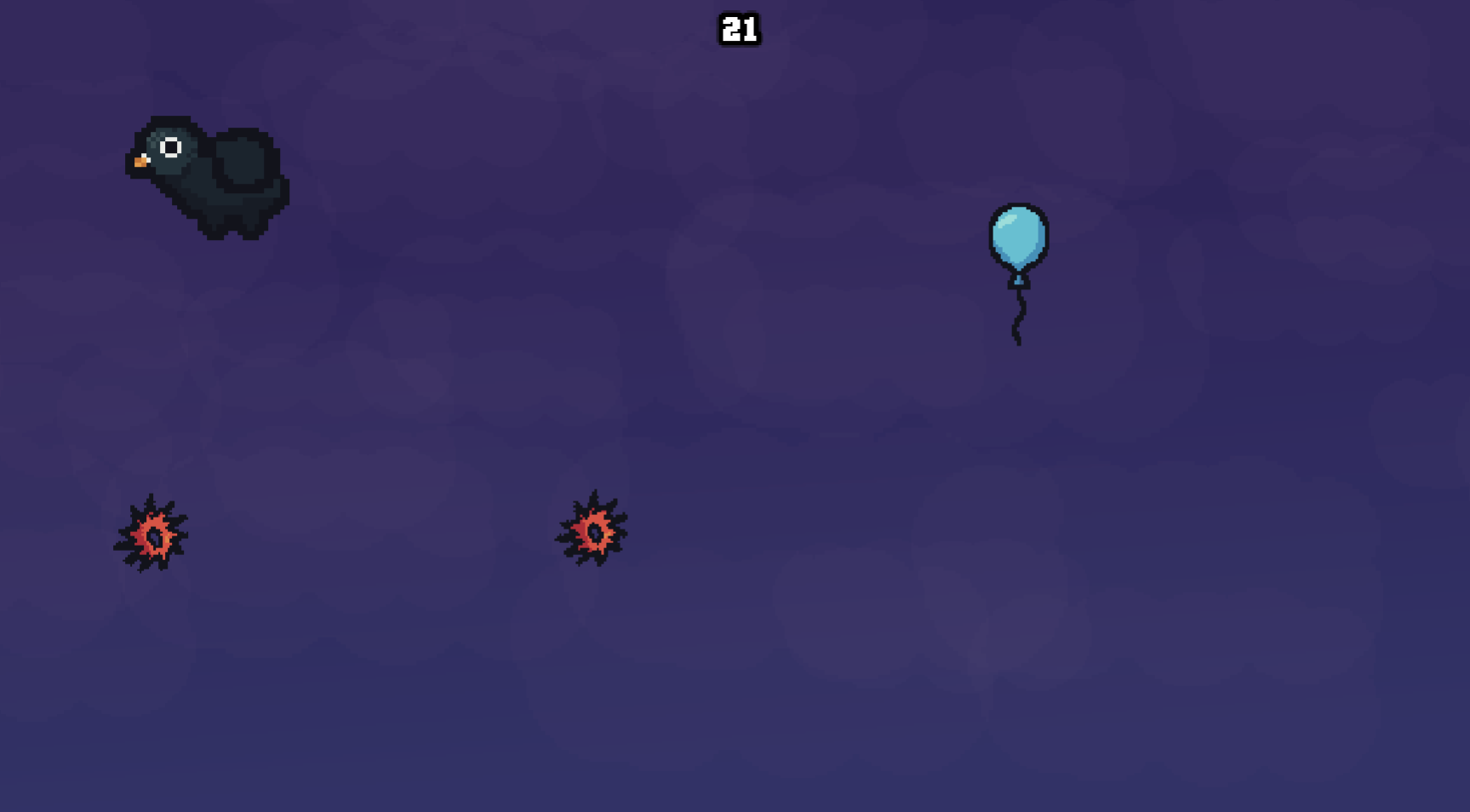
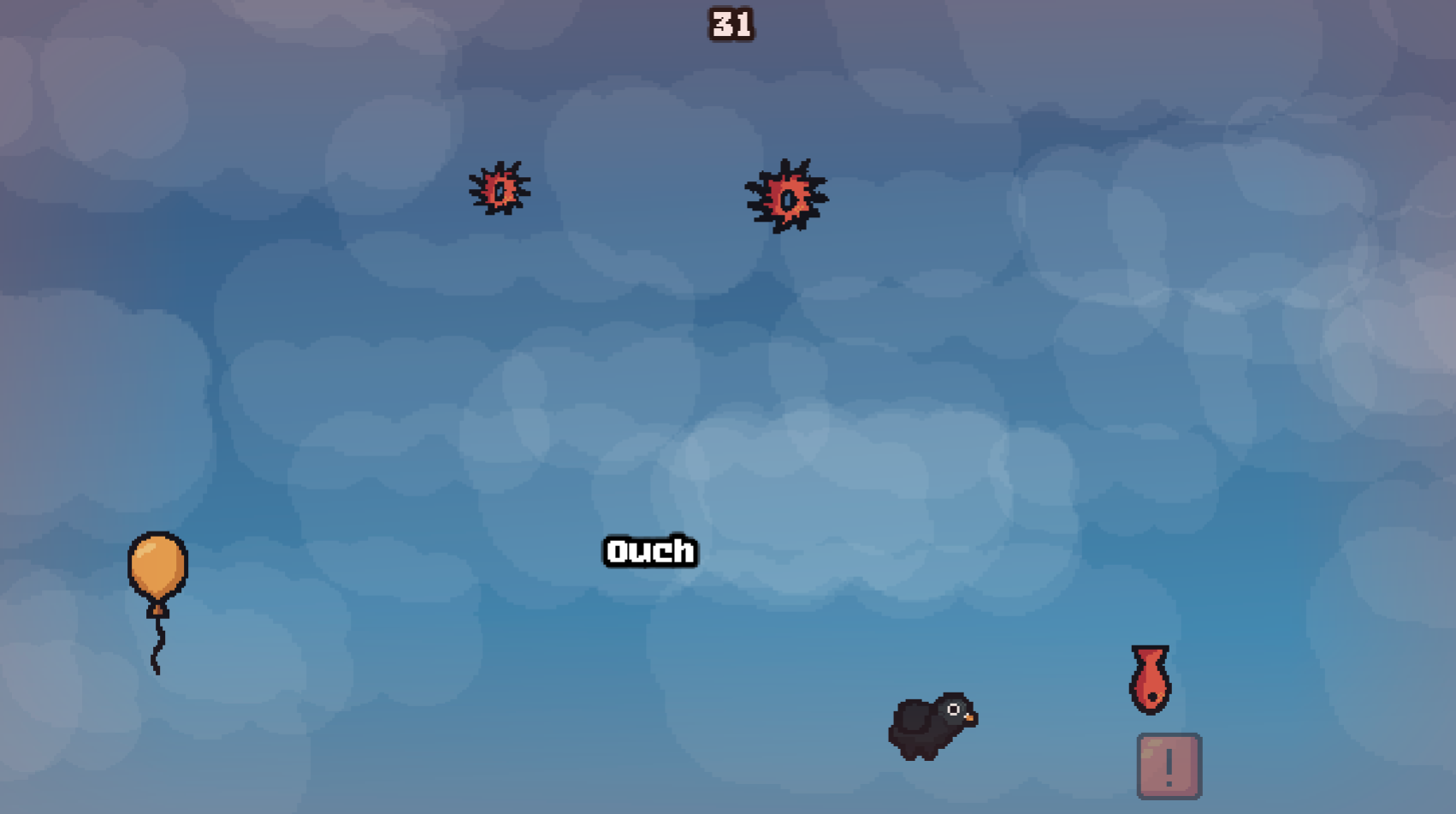
Made a small arcade-like game for a recent gamedev competition

Every time you hit an edge of the screen you get smaller and you need to collect balloons to increase your size so you can survive longer
Entire thing was made in 12 hours and people voted on 10 different things I was forced to include into the game in some way (balloon, pigeon, sword, fish, cloud, trilobite, dolphin sfx, music I used for the title screen, trumpet fanfare sfx, pigeon sounds)

Enjoy, if youve got any feedback feel free to let me know and I can take that into account if I do some post jam work or for future games like this I make

Hey everyone! Thanks for participating in Canvas. I wanted to make a thread to collect together suggestions people have that can be worked on before the next Canvas.

Feel free to also throw in suggestions for future Events we can build and run for the fediverse.

Ill be collecting suggestions together and making issues for them in the repository for myself or some other contributors to work on (the projects open source so anyones free to contribute! https://git.sc07.company/sc07/canvas Feel free to reach out to me and I can help get you set up with the codebase)

This is a place where you can look for teams for any programming related things you might be doing

This could include things like programming jobs, some projects you want to do and need some collaborators for, some revshare game dev work, some game jams, etc.

Feel free to make a post or browse some stuff other people have posted. If you no longer need people make sure to edit your post title to start with [FILLED] to mark so